
Bundata stores or immediately reviews documents, extracts structured fields, builds governed knowledge layers, and answers with verified citations.
What is Bundata?
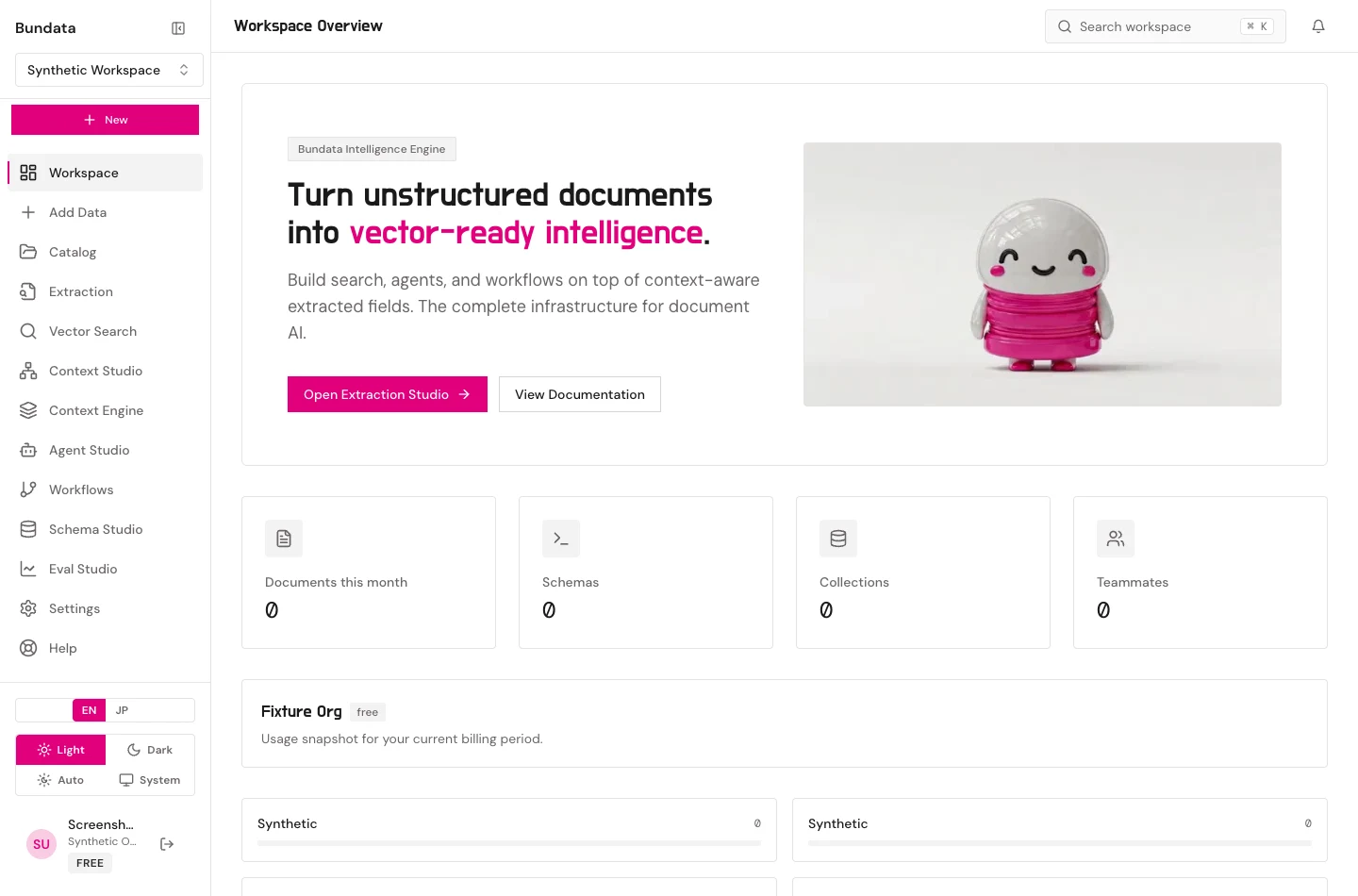
Bundata is a governed document intelligence workspace. In a stored workspace you organize files into Catalog collections, approve a schema in Schema Studio, run extraction, and build derived knowledge layers in Context Engine (section maps, multi-size chunks, embeddings, lexical BM25, bitemporal graph facts, resolved entities, table facts, rules, and GraphRAG communities). You can then search, receive structured cited briefs in the question’s language, curate approved business terms and verified answers in Context Studio, automate pipelines in Workflows, evaluate runs in Eval Studio, and connect external agents over /api/agent/v1 and MCP. In a non-retaining workspace you review a single TXT, CSV, or DOCX result immediately and export it locally without storing customer content.
There is no separate open-source library, and this site does not promise unverified connector counts or file-type counts. Use the task guides for the exact contracts implemented today.
Two modes
| Mode | Keeps customer content | First result |
|---|---|---|
| Stored | Yes, in the workspace: documents, schemas, runs, Smart Bites, knowledge layers, and governed context | Quickstart |
| Non-retaining | No searchable store. Review immediately, then optional local JSON export | Non-retaining path |
What a successful stored result includes
A finished extraction run, an indexed Smart Bite you opened, a grounded answer, and a verified citation that points at the supporting passage from that run. A saved schema, a saved connection, or an unapproved draft is configuration—not evidence that a run executed.
Continue with Before you start.