
There is no Run Next and no per-node Run. A manual run uses the published snapshot.
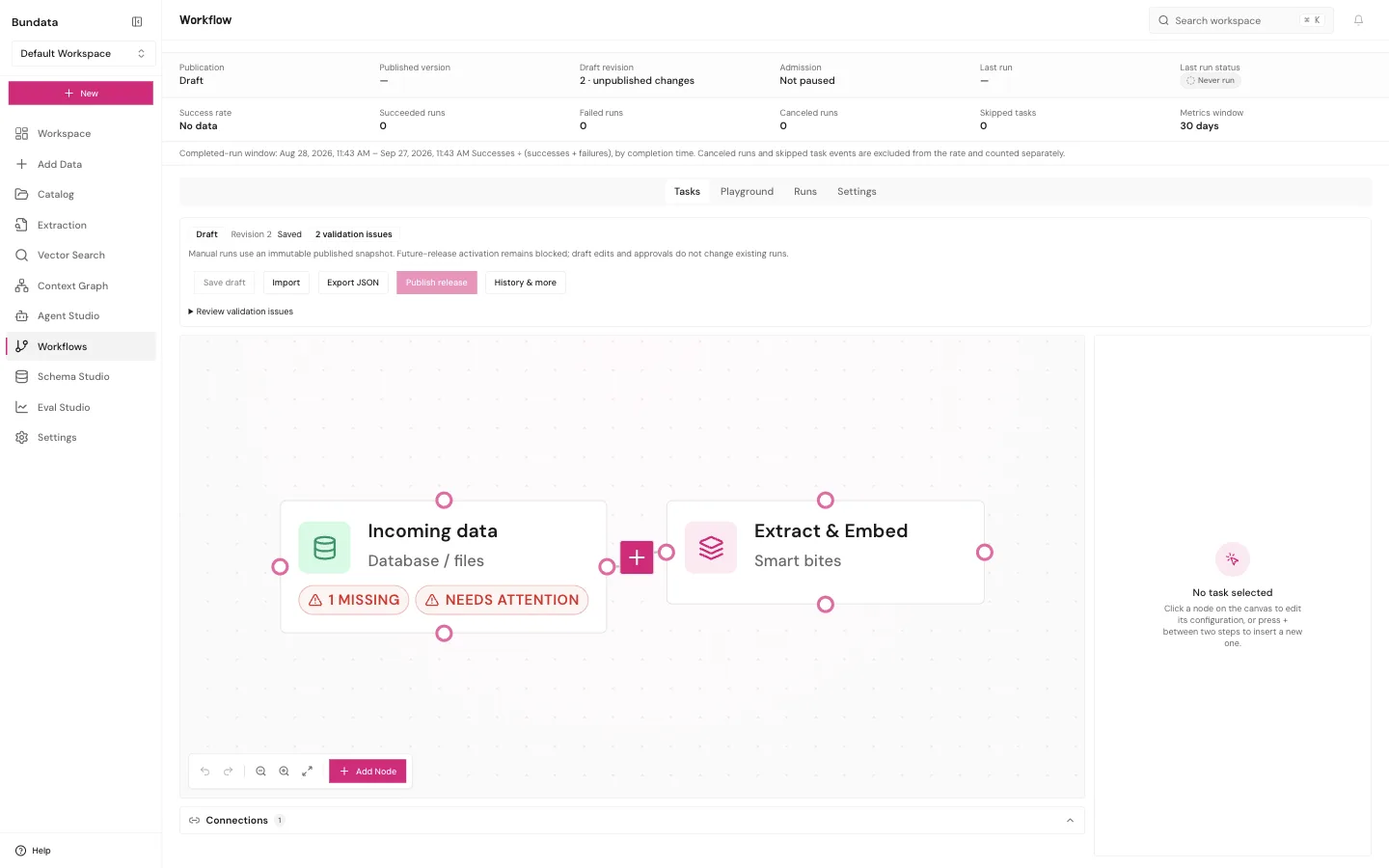
Compose a workflow
Build a two-step graph for the example collection, then remove one optional step without losing the approval or the stored result. Hands-on time is about 30 minutes. The run wait is extra.
Purpose
You can publish a smaller graph that still cites the collection. Level: editor. Read the component pages under the workflow guide for each node you add. This page is composition, not a second manual.
Prerequisites
The collection is Indexed, from Index readiness. You can open Workflows.
Sample
Template or nodes: an index or retrieval step bound to the example collection, then a result store or grounded answer step. Fictional question: How many days is the Harbor Sample delivery window? Expected shape after a successful run: a stored result that cites the note, or an explicit empty when the bite is missing.
Steps
- Create the workflow and bind the collection in the template dialog when the template asks for one. Save the graph. You land on the Tasks canvas.
- Publish a release. Run now uses that snapshot, not the draft you keep editing.
- To simplify, delete only a node that does not hold the citation or the approval. Save, publish a new release, and run that release. The previous release remains the one you already ran.
- Open the run record. A green save is not a run.
Fields
| Action | Writes a run? |
|---|---|
| Save draft | No. |
| Apply to draft | No. The draft changes. |
| Publish release | No. An immutable snapshot is stored. |
| Run now or Playground Run | Yes, on the published snapshot. |
| Run Next or run one node | Not available. |
Example
Keep the release id next to the collection id in your notes. Do not paste document text into the note.
Recovery
If publish is blocked, the graph is not runnable yet. Read the node error. Fix the binding, publish again. If the run fails, the draft you edited after publish did not change that run. Resume and Run again are different. Run again starts over on a snapshot.
Limits
No isolated component runner, no arbitrary code node on this page, and no automatic deploy. Evidence and approval nodes you still need must stay on the graph.
Check
Success: the run id exists and the result cites the sample note or says the evidence was missing. Failure: you only saved a draft, so there is no run id.