
Start from a document. End on the text that supports a selected connection. Then look at the Workspace Graph as a different picture.
Follow a source in Lineage
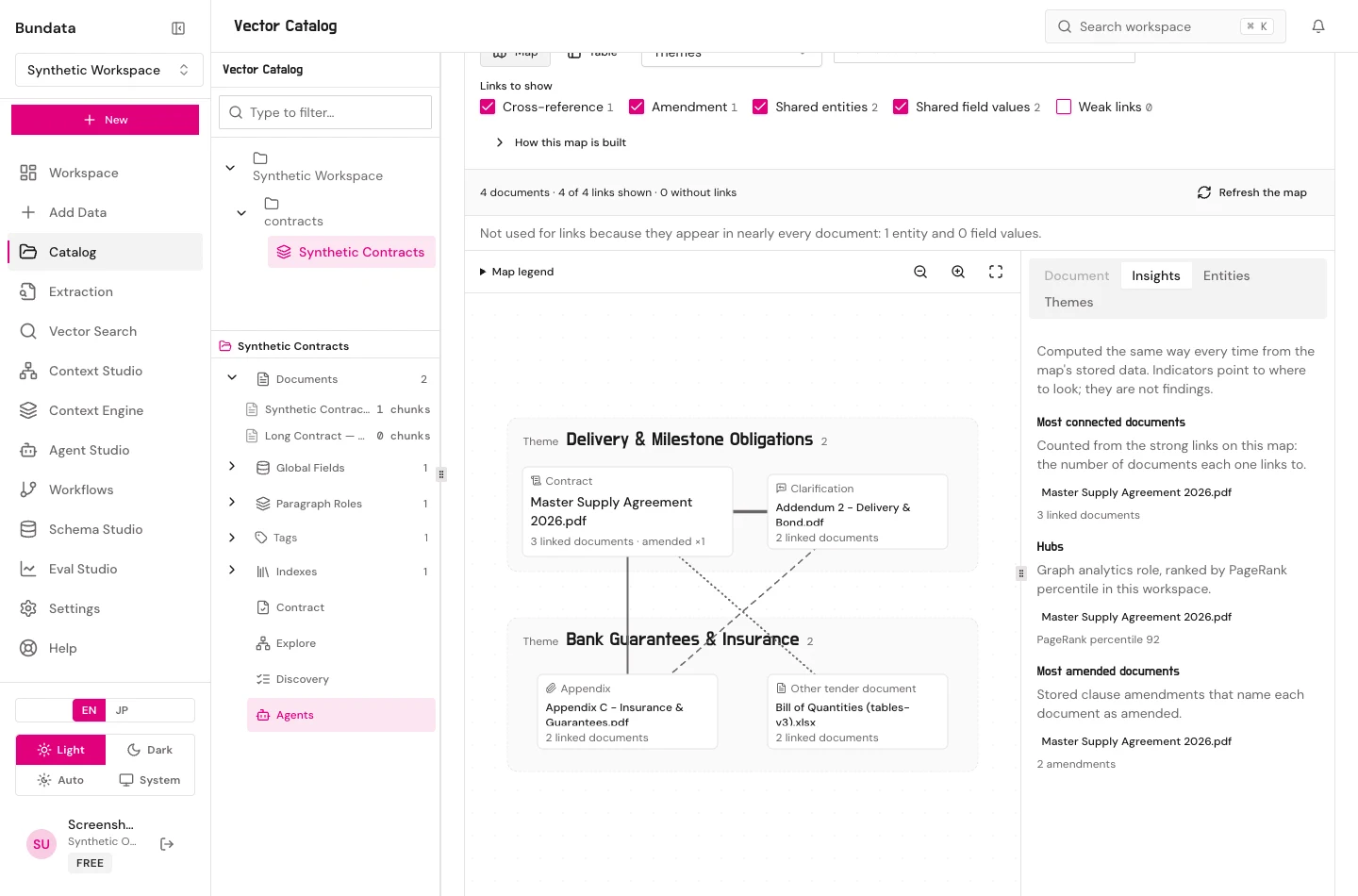
Start from a document. End on the text that supports a selected connection. Then look at the Workspace Graph as a different picture.
In the collection
- Open Documents and choose one file.
- Open Lineage for that document.
- On Graph, select a chunk node, then the extracted edge, if one is loaded.
- Read the inspector. If it names a source passage, open that passage. If it only names a document, you do not yet have bite-level proof.
- Switch to Table if the canvas is too dense. The rows are the loaded set, not the corpus.
- Fit if the graph is off screen. Refresh investigation if you need current sources instead of the session picture.
Workspace Graph
- Open the Workspace Graph from Catalog.
- Select the same collection.
- Read value overlap and contract similarity as separate signals.
- Show weak only when you want edges below the cutoff. Hide them again before you treat the picture as the default.
Evidence in this package
No Lineage or Workspace Graph frame was captured. cat-lineage-en, cat-lineage-ja, cat-workspace-graph-en, and cat-workspace-graph-ja are open. Do not use an older marketing graph.