
Context Studio combines Explore, Evidence, Quality review, the Business context library, Context sets, Data, and Enrich.
Context Studio
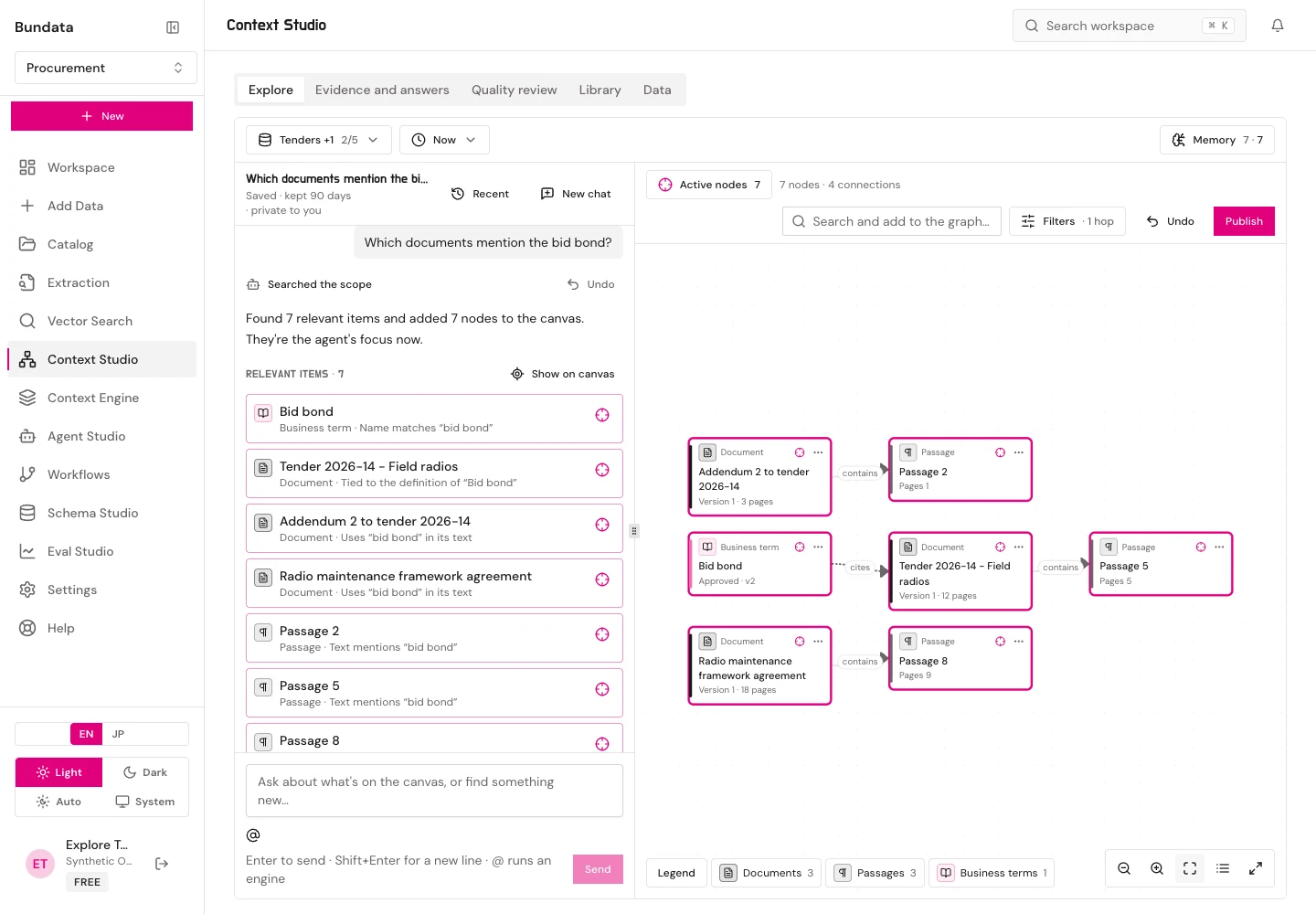
Views in Context Studio
Context Studio (/platform/context-graph) is the workspace hub for investigating, curating, and governing organizational context:
- Overview and Explore (
?view=explore, default): A chat agent beside a live context-graph canvas across 1 to 5 collections, with@document,@rules,@tables,@history, and@sqlmentions, focus curation, and publishing into context sets. - Evidence (
?view=evidence): Operational status, indexing queue health, lifecycle controls, feedback, and replay inspection for the context graph runtime. - Quality review console (
?view=review): Prioritized reviewer queues for entity merges and splits, stale documents, contradictions, low-confidence facts, table checks, OCR quality, and re-index requests, plus the workflow release gate. - Business context library (
?view=library): Steward-approved business terms, verified answers, instructions, and read-only PostgreSQL query templates with exact passage citations and version history. - Context sets (
?view=library&set=<id>): Versioned, governed bundles of approved library entries, rule templates, and collection/document scopes that agents start from. - Structured data and dbt (
?view=data): Metadata-only schema reads from PostgreSQL and MySQL connections and reviewed dbt bundles, with descriptions, term links, and join paths. - Learning and enrichment (
?view=enrich): Gaps detected from opted-in question outcomes and drafted proposals (including member suggestions) for one-click steward review.
Non-retaining boundary
Context Studio’s stored graph, library, context sets, quality review queues, structured metadata, and enrichment proposals exist only in stored workspaces. In a non-retaining workspace, each view explains that customer content is not retained and makes no storage calls (403 NON_RETAINING_WORKSPACE).