
Eval Studio scores extraction, retrieval, collection answers, whole-document queries, context packs, and workspace agents against frozen dataset versions.
Evaluation
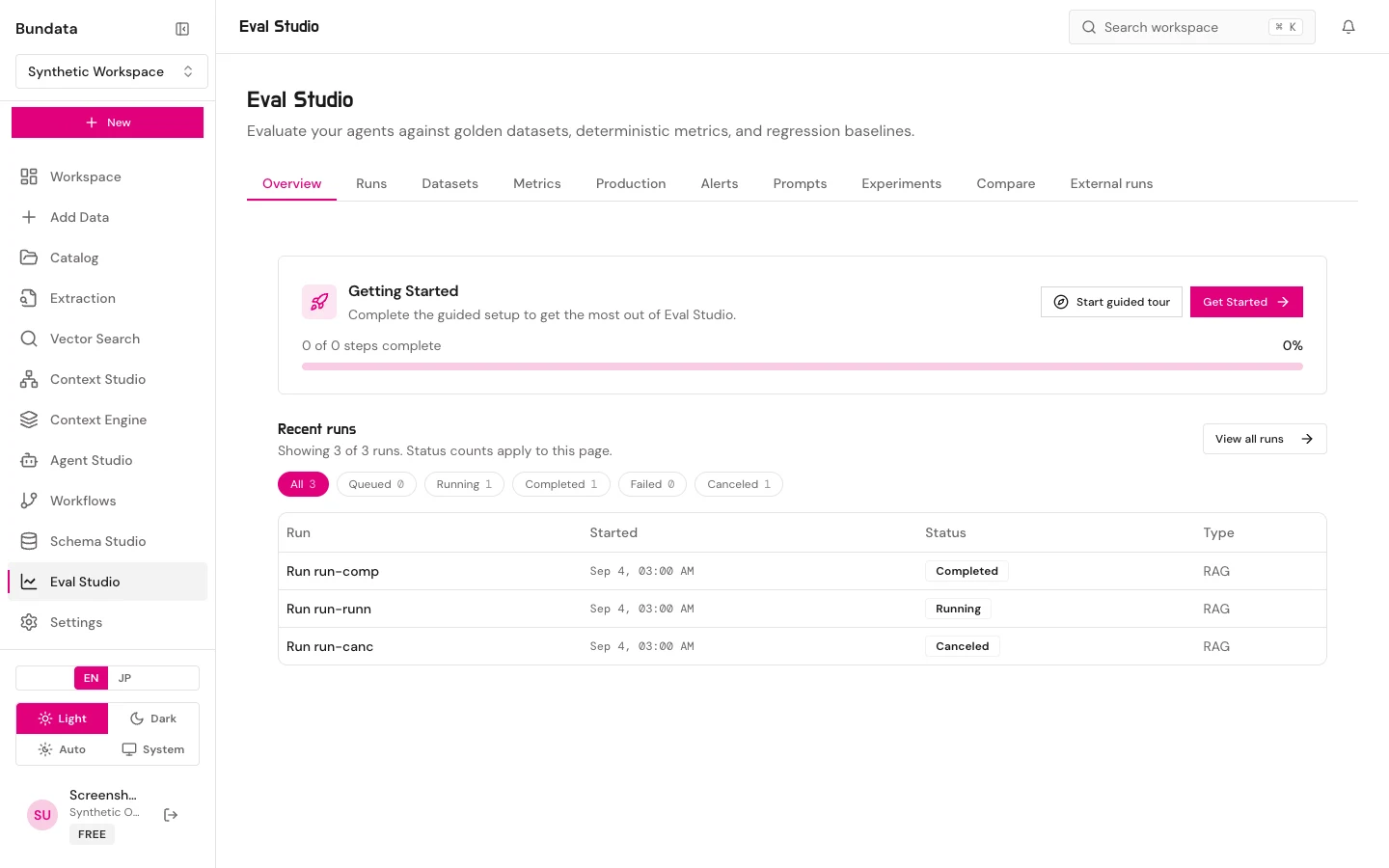
Use
Eval Studio compares runs and datasets that already exist in the workspace. You need permission to read those records (eval:read) and eval:create to start runs. A saved metric, dataset, prompt, or alert is not an executed evaluation. Customer content used as a golden set stays in the workspace. Do not paste it into a ticket.
Runs, output sources, and datasets
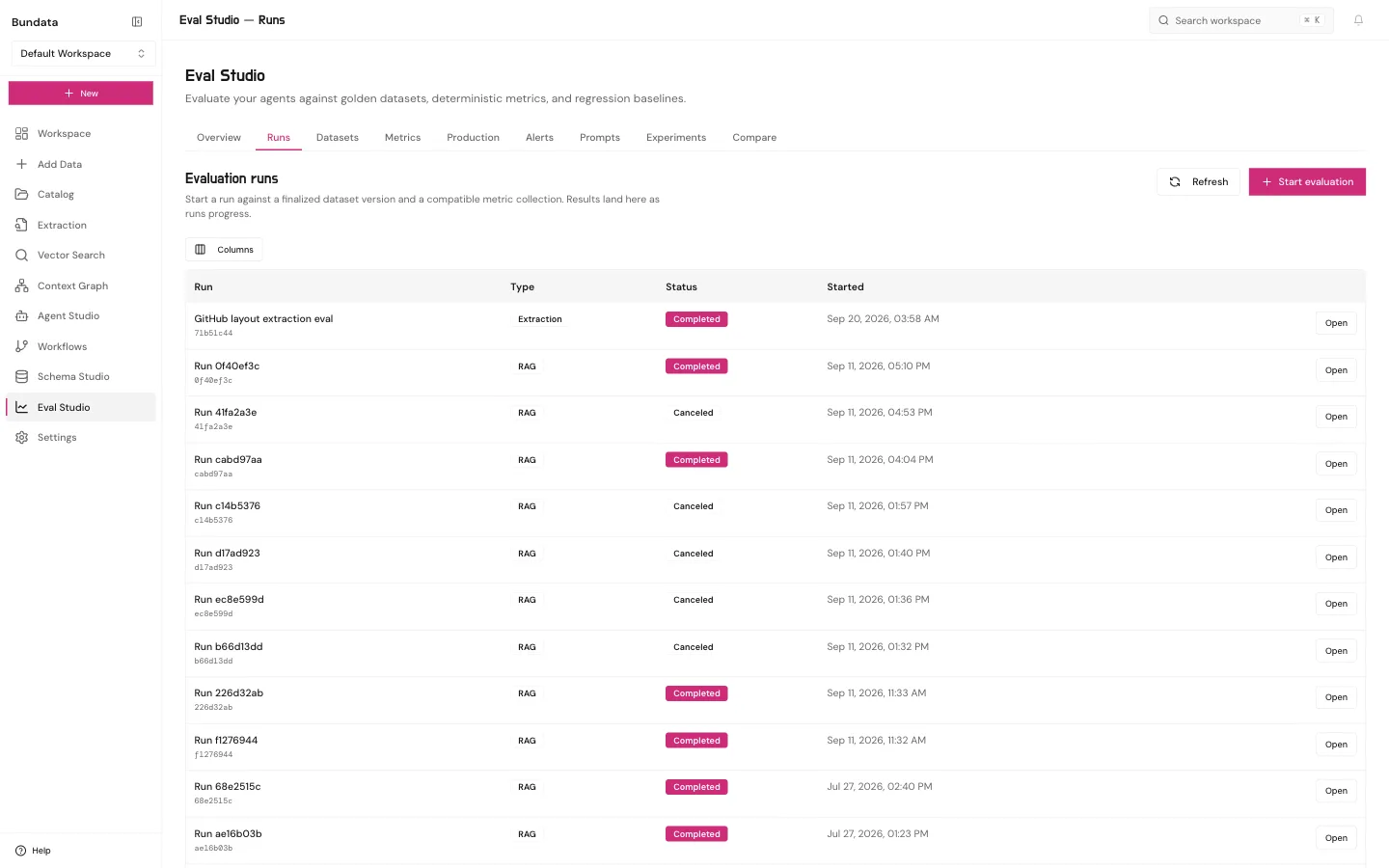
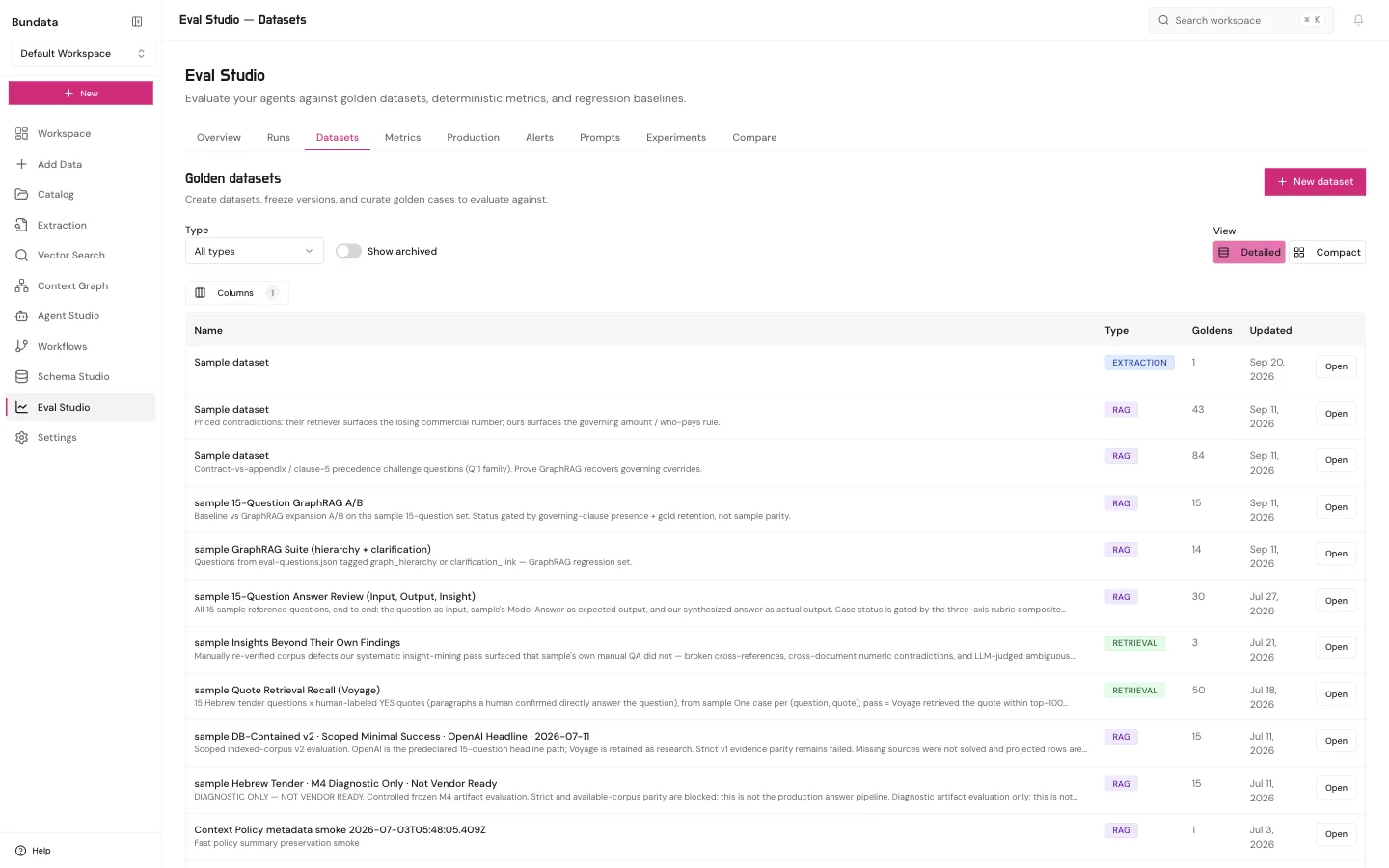
Open Runs to start an evaluation (POST /api/w/:wsId/eval/runs) against a finalized dataset version and a metric collection:
- Output sources: Besides
agent_run,catalog_retrieval,recorded_conversation, andprompt_version, RAG and retrieval datasets support:- Collection answers (
collection_answers): Runs the collection’s Ask pipeline with pinnedgraphEvidence(offoron),chunkSizes(collection,main_only,three_sizes, orcustomtrial sizes),approvedContext(offoron),fieldAnswers, andansweringModel(OpenAI, Anthropic, or Google). - Whole document (
whole_document): Runs whole-document execution over 1 to 20 selected documents. - Context pack (
context_pack): Builds an agent context pack for a chosencontextSetIdwithinmaxTokens. - Agent with workspace tools (
workspace_agent): Runs the Explore agent intools_onlymode (1 to 5 collections) orcontext_set_firstmode (contextSetId), recording operational trace spans for accuracy, tokens, tool calls, latency, and USD cost.
- Collection answers (
- Model choice: Each run pins its
judgeModelandansweringModelat admission (run_choice,workspace_choice, orbundata_default) and never substitutes another model. - Re-scoring and stored answers: You can re-score a completed run under new thresholds (
POST /api/eval/runs/:runId/rescore) or score a completed run’s stored answers with another metric suite (storedAnswersOf) without answering again. Because their thresholds were chosen after seeing the answers (thresholdsSetAfterAnswers: true), re-scored runs do not count as evidence to unlock a Context Engine answer path.
Metrics, memory abilities, prompts, and alerts
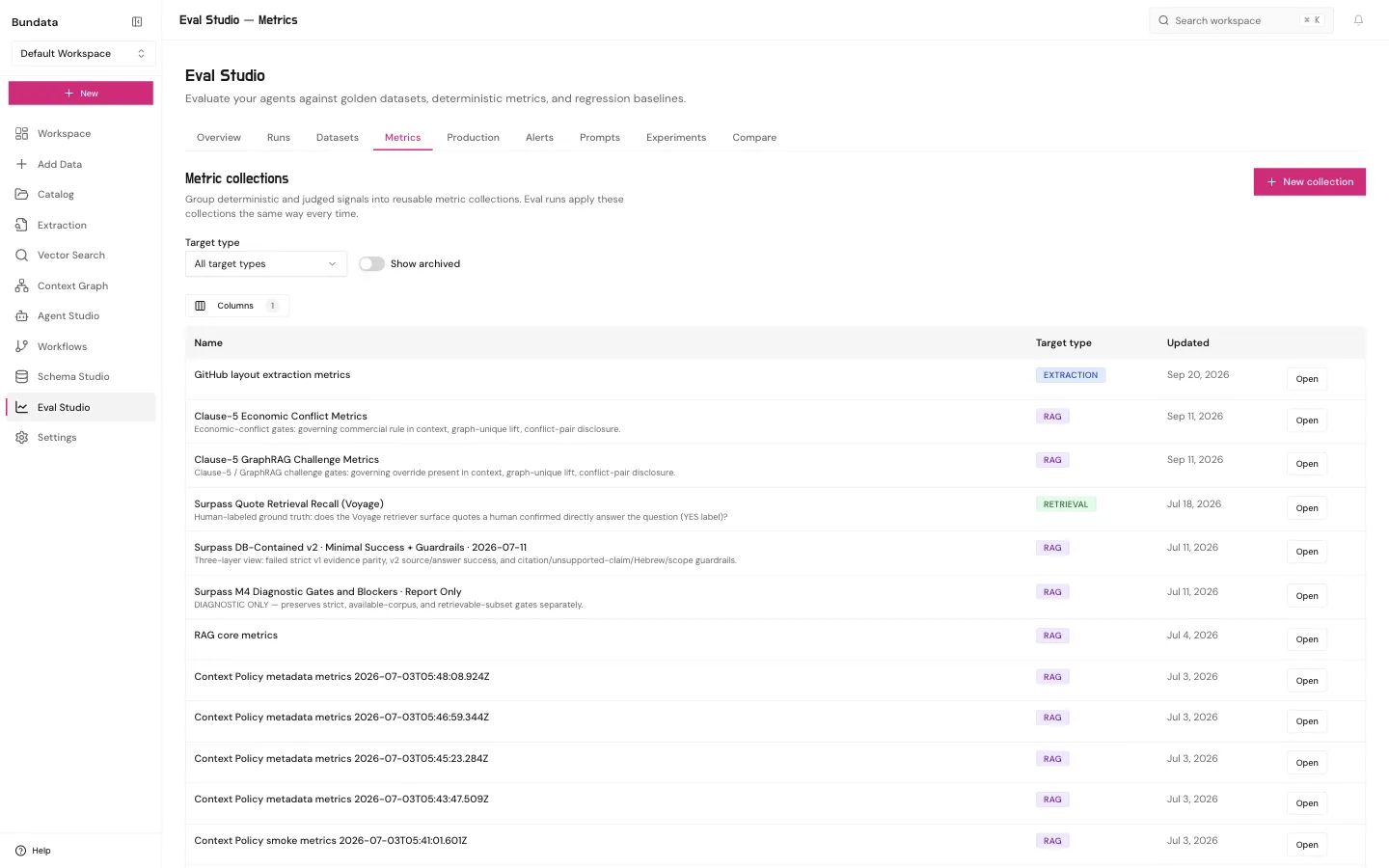
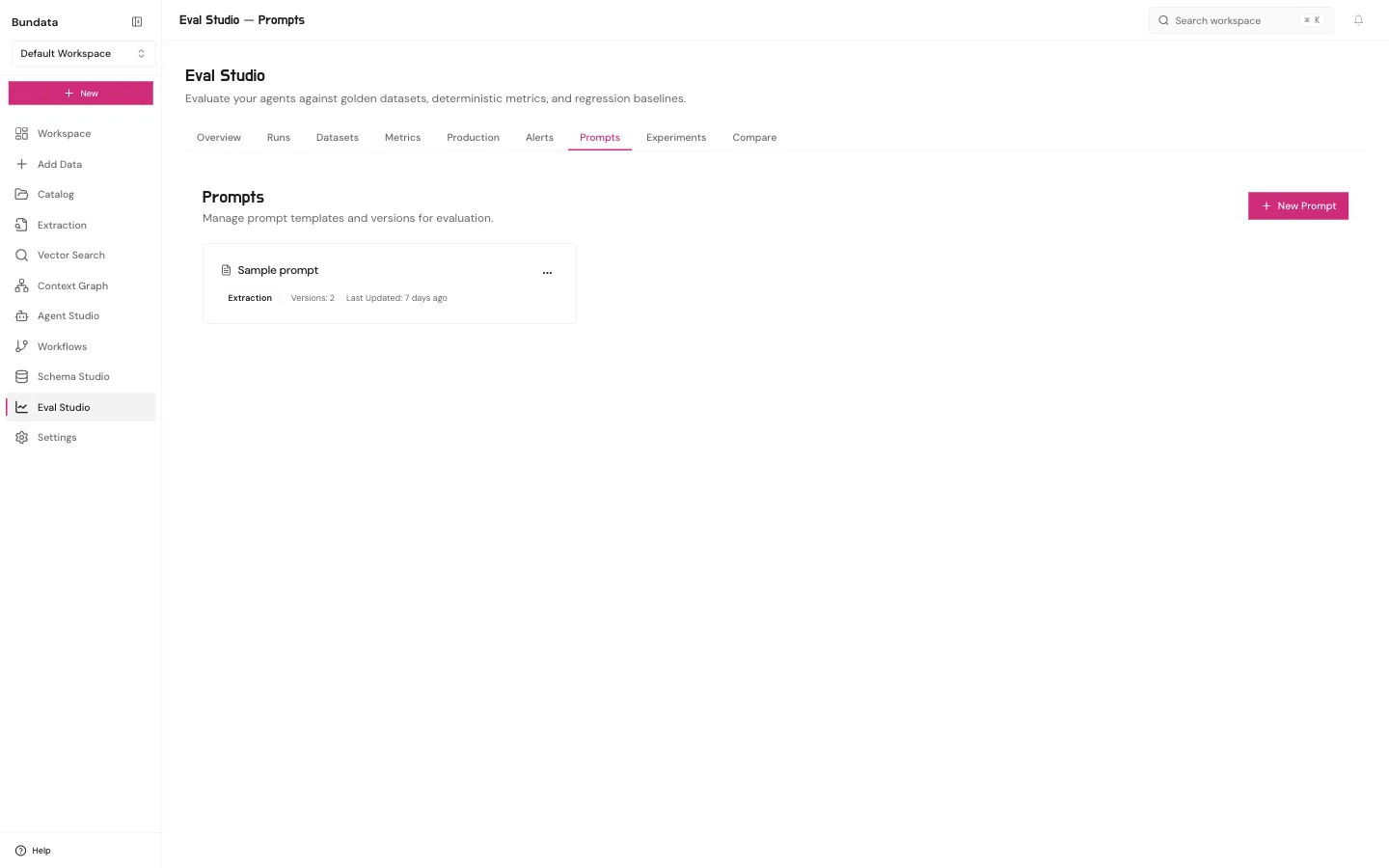
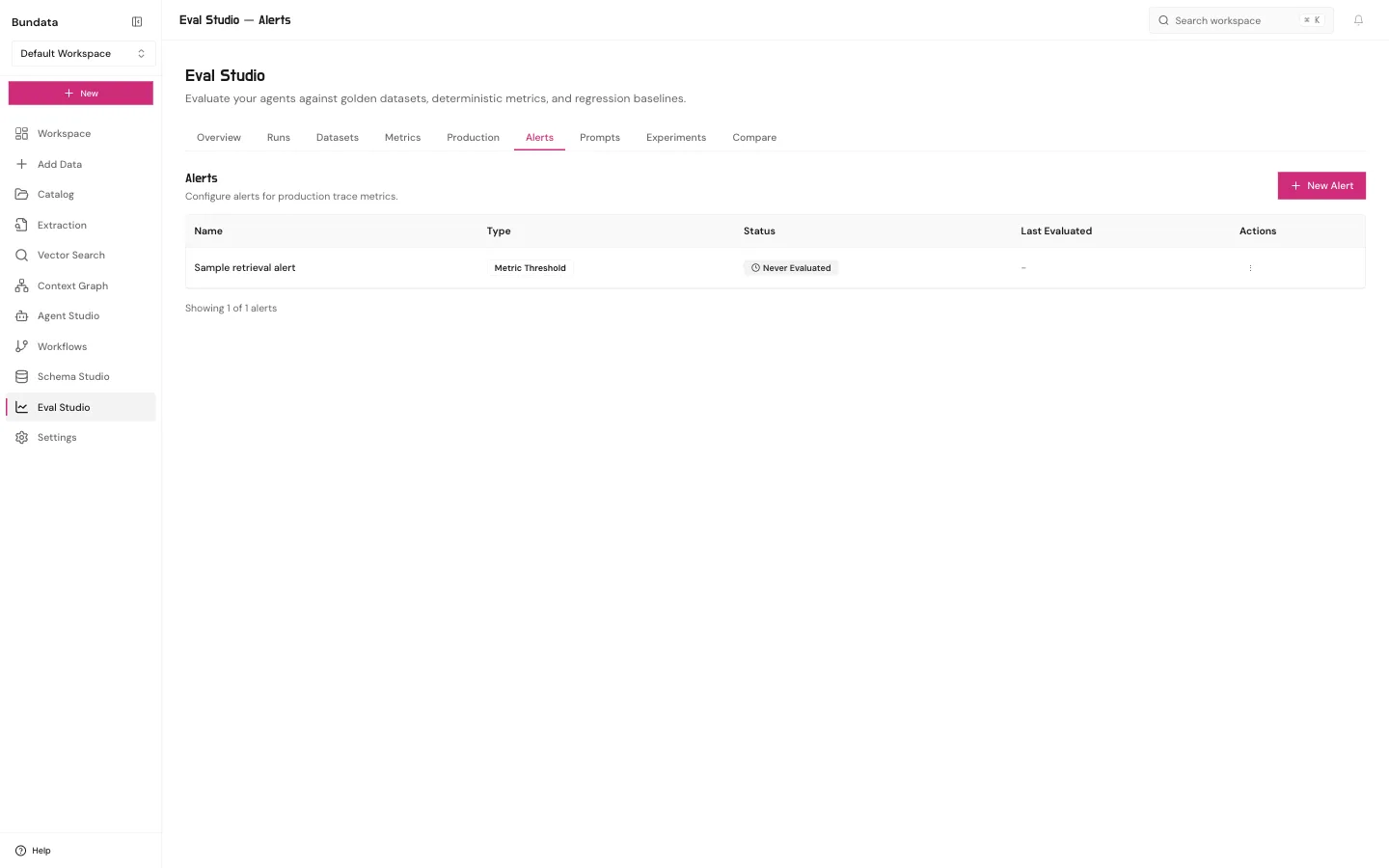
RAG and retrieval golden cases can carry memory ability metadata (memoryJson: fact_lookup, multi_hop, as_of, as_known_at, knowledge_update, contradiction, ambiguous_source, abstention, history_diff, whole_document_listing, claim_verification, context_pack), scored by the built-in Memory and graph metric collection (18 deterministic metrics plus calibrated/uncalibrated judge labels).
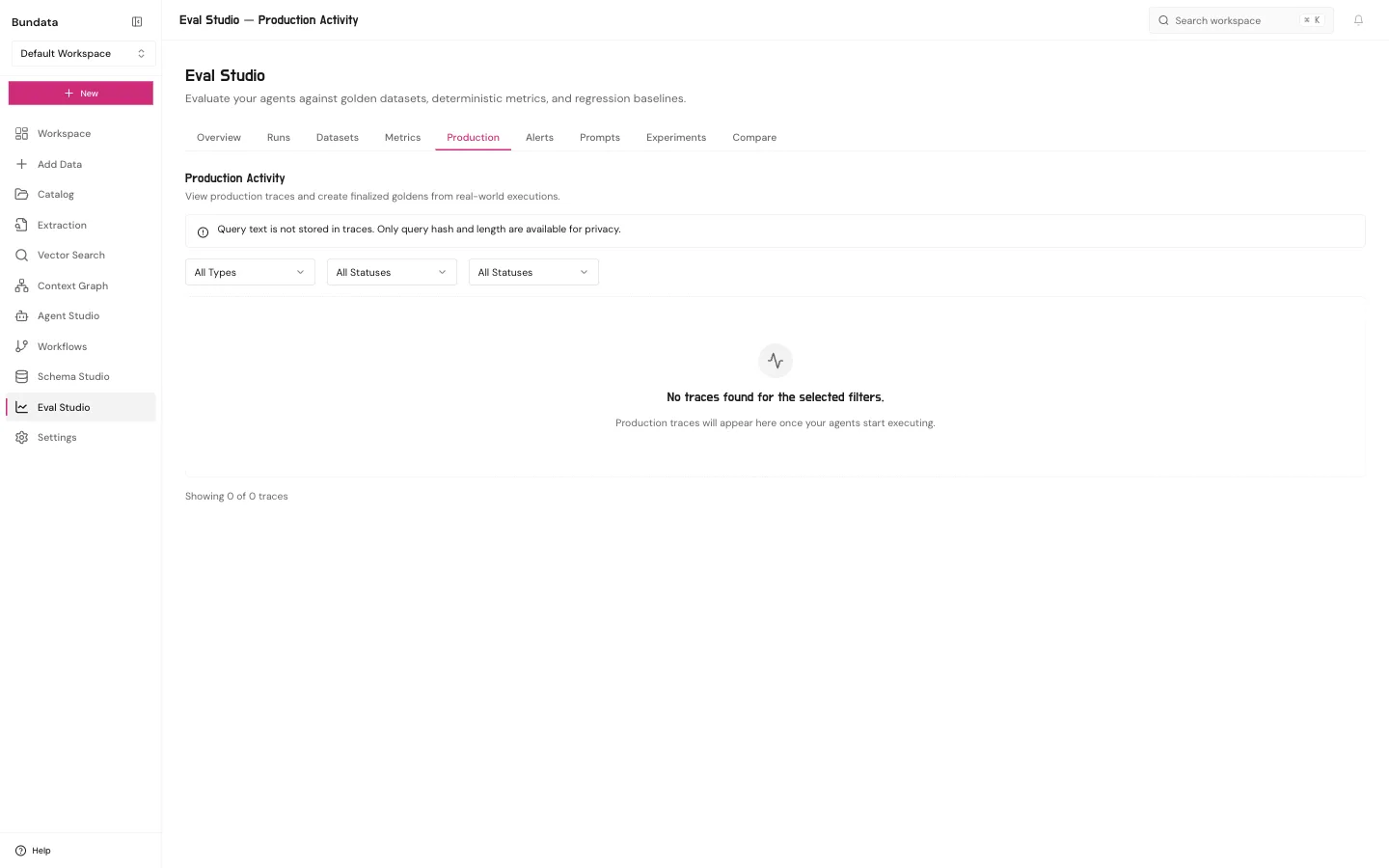
Production, experiments, and compare
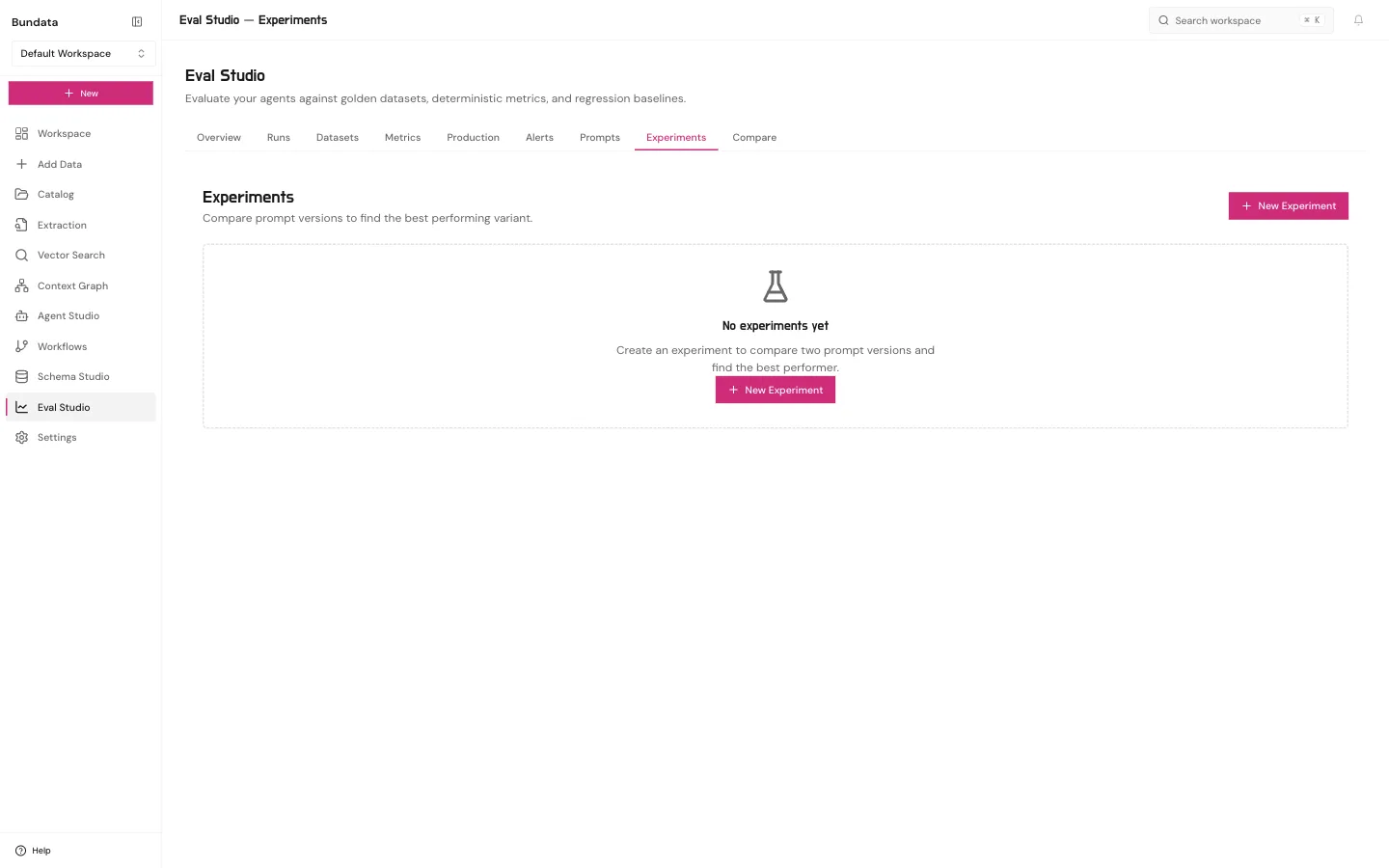
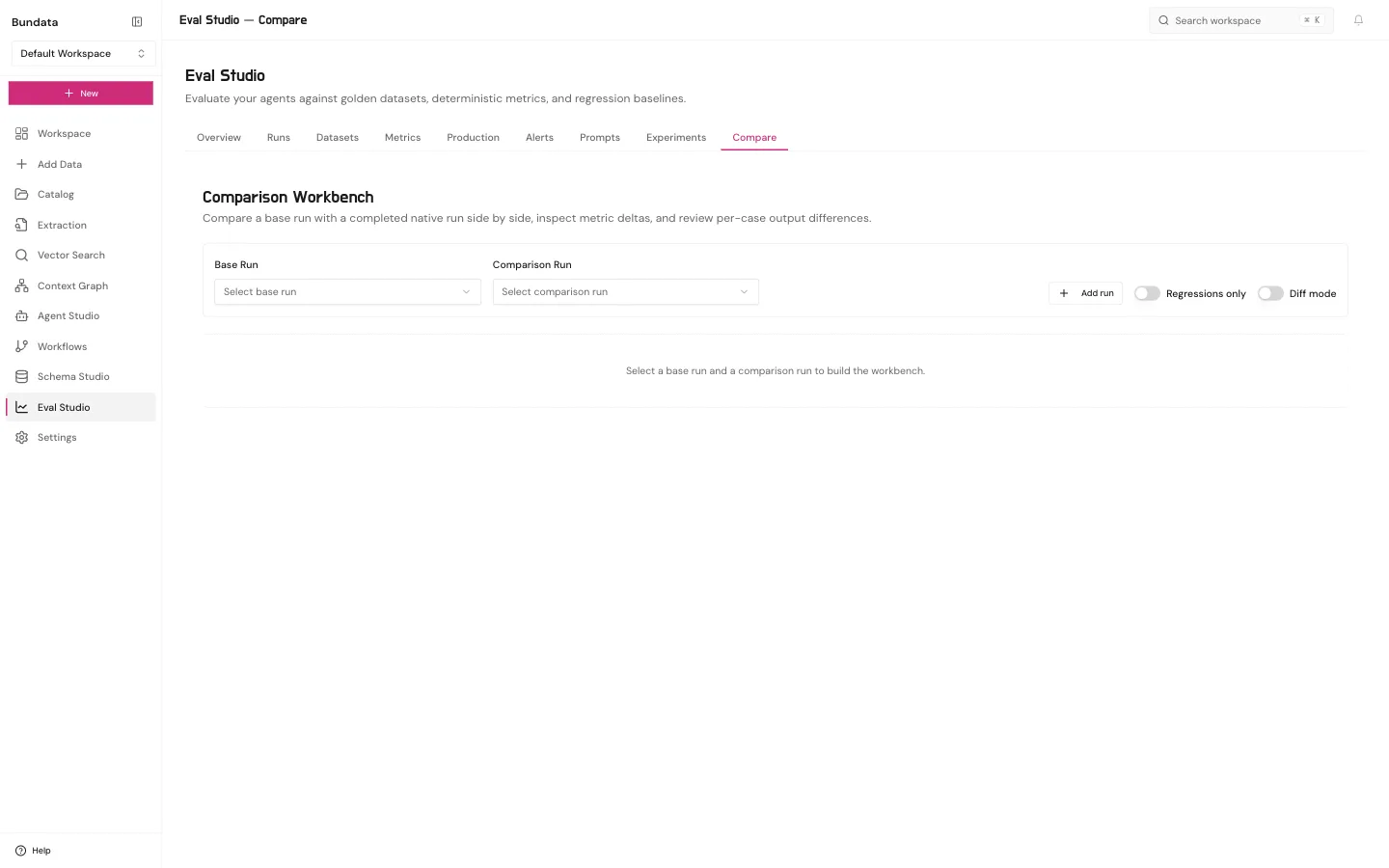
- Compare chunking strategies (
POST /api/w/:wsId/eval/chunk-strategy-comparisons): Runs 2 or 3 chunk-size strategies on the same collection and dataset version, and lets users withcollection:updateapply a winning trial strategy directly to the collection. - Measured impact and Approved context checks: Run compare (
GET /api/eval/runs/:runId/compare) computes 95% paired bootstrap confidence intervals across accuracy, tokens, tool calls, latency, and cost. Curators and stewards also attach datasets to the Business context library and Context sets to run Check changes and Measure impact. - External runs (
/platform/eval-studio/external-runs): Import content-free benchmark scoreboard or controlled-lane summary JSON files (<= 64 KiB) for read-only inspection.