
This walkthrough moves through Contract, Documents, and a JSON view. It does not index anything.
Inspect a collection
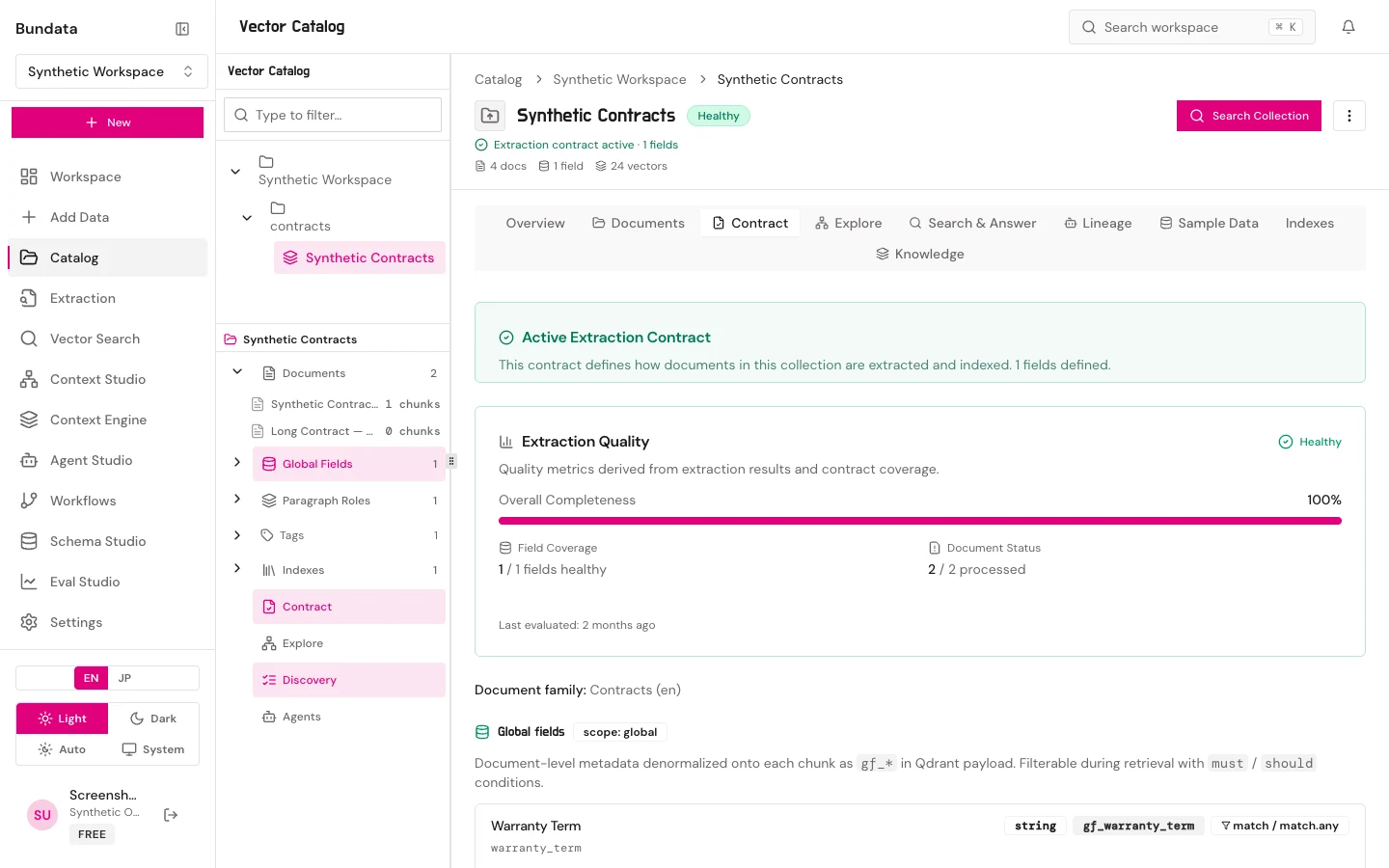
This walkthrough moves through Contract, Documents, and a JSON view. It does not index anything.
Open
- Open Vector Catalog and choose a collection that already has documents.
- Read Overview counts. If vectors are zero, the Indexes tab may be absent. That is expected.
- Open Contract. Read fields, roles, and the chunking JSON if it is shown. Do not try to save that JSON as a file.
Documents
- Open Documents.
- Filter to one file and expand it.
- Read a Smart Bite id, a paragraph ordinal, and the source text as three different things.
Evidence in this package
The isolated fixture’s Catalog list can be empty. No collection-detail screenshot is in the public set. Ids cat-contract-en, cat-contract-ja, cat-document-en, and cat-document-ja are open.