
Python compute runs the template's approved script. SQL Query runs one read-only SELECT.
Python and SQL
These two templates live in the Code / Compute group. Neither one takes a catalog collection. Both still land on the Tasks canvas only after you click Save graph.
Python
Python compute runs the script that belongs to that template. It is not a place to paste arbitrary Python, and it does not open a shell.
- Open Workflows, then Browse templates.
- Open Python compute (local-dev).
- Click Create workflow. Template binding opens. There is no collection field.
- Click Save graph.
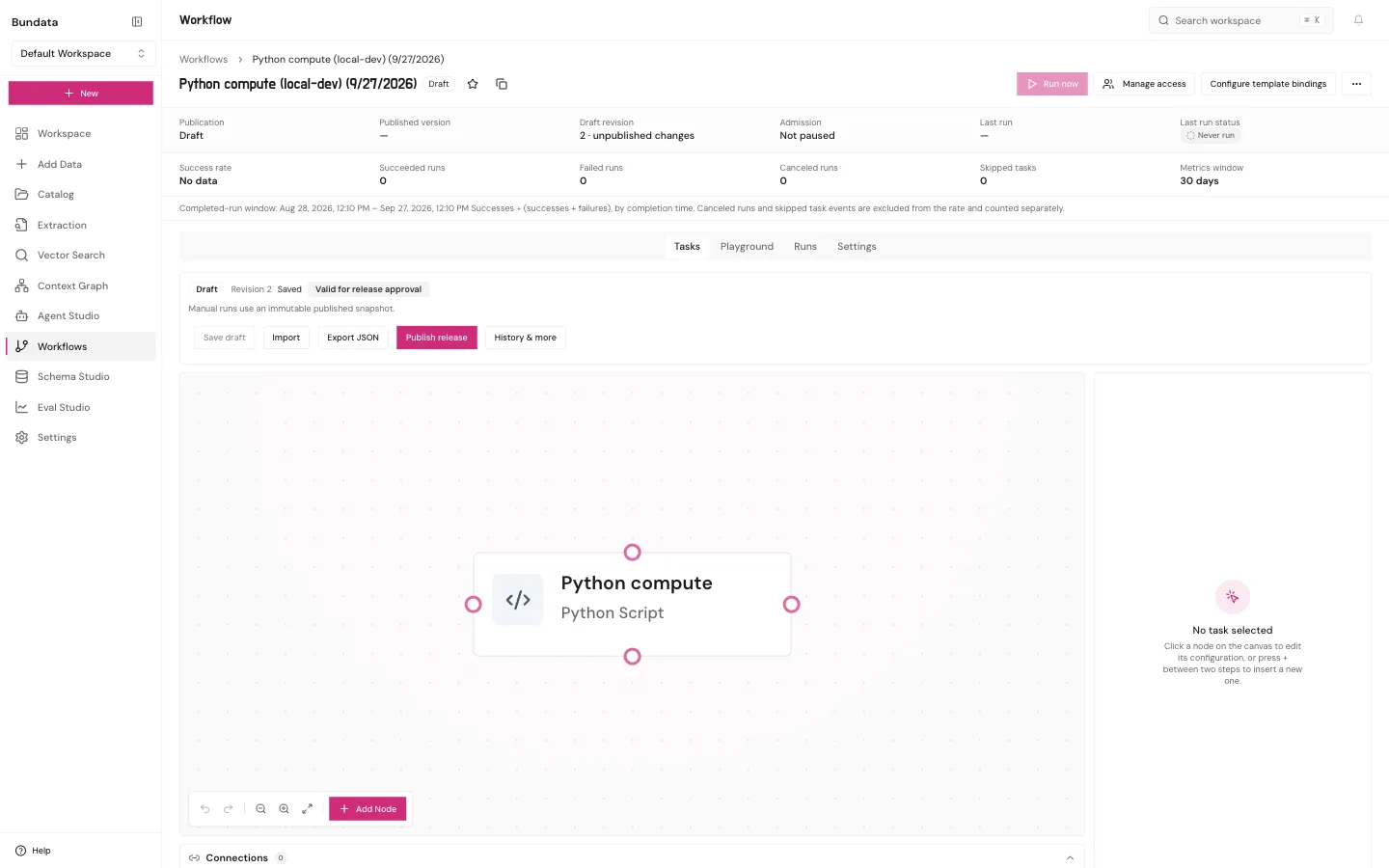
The node is Python compute, type Python Script. Open it if you want to read the approved version. You do not edit the script on this screen. A saved node is not proof the script ran.
SQL
SQL query (read-only) is one read-only SELECT against a registered PostgreSQL source. It is not a write.
- Open SQL query (read-only) from Browse templates.
- Click Create workflow.
- Choose the PostgreSQL source. If none is connected, the list stays empty. That is the correct result, not a broken dialog.
- Keep the statement a single read-only SELECT.
- Confirm the credentials are read-only.
- Click Save graph.
The canvas then holds that query. Changing the text on the draft does not change a run that already happened.
Publish and run
On either workflow:
- Click Publish release.
- Click Run now, or open Playground and click Run.
Playground runs the published release. For Python, the run record is where you see whether the script finished. For SQL, the run record includes the rows that statement returned. Last run status on the workflow is the record. Saving the draft is not a run.